Month: December 2025
-

HOW EASY IS IT TO USE PHOTOSHOP ON TABLET?
Using Photoshop on a tablet can be very easy or slightly limiting depending on your goals, device, and familiarity with touch interfaces. Here’s a breakdown: ✅ Pros (Why it can be easy): ⚠️ Cons (Limitations to watch for): 🧠 Best Use Cases on Tablet: Thank you for reading! Please stay connected with me on all
-

Locked on Stabilization: Horizontal to Vertical in Final Cut
In Final Cut Pro, if you’ve used Locked-On Stabilization and need to convert a horizontally shot video (landscape) to vertical format (portrait) — like for Instagram Reels, TikTok, or YouTube Shorts — you’ll need to follow a few key steps to preserve the stabilization and reframe the shot properly. Here’s how to convert a stabilized
-

HOW TO SWITCH MESSENGER BACK TO IMESSAGE INSTEAD OF SMS
To switch your conversations from SMS back to iMessage on your iPhone, follow these steps: ✅ 1. Check if iMessage is enabled ✅ 2. Ensure the Recipient Uses iMessage ✅ 3. Delete the SMS Thread (Optional) Sometimes a conversation gets stuck in SMS mode. You can: ✅ 4. Check Send/Receive Settings ✅ 5. Check Internet
-

HOW TO MAKE PROFILE PICTURE WITH AI GENERATION WITH PHOTOSHOP
To create a high-quality AI-generated profile picture using Photoshop, follow these steps: 🔧 METHOD OVERVIEW 🧠 STEP 1: Generate AI Profile Image You have two common options: Option A: Use AI Websites Platforms like: 📝 Prompt example for DALL·E or Midjourney: “Professional headshot of a confident man/woman, facing forward, soft lighting, clean background, photorealistic style”
-
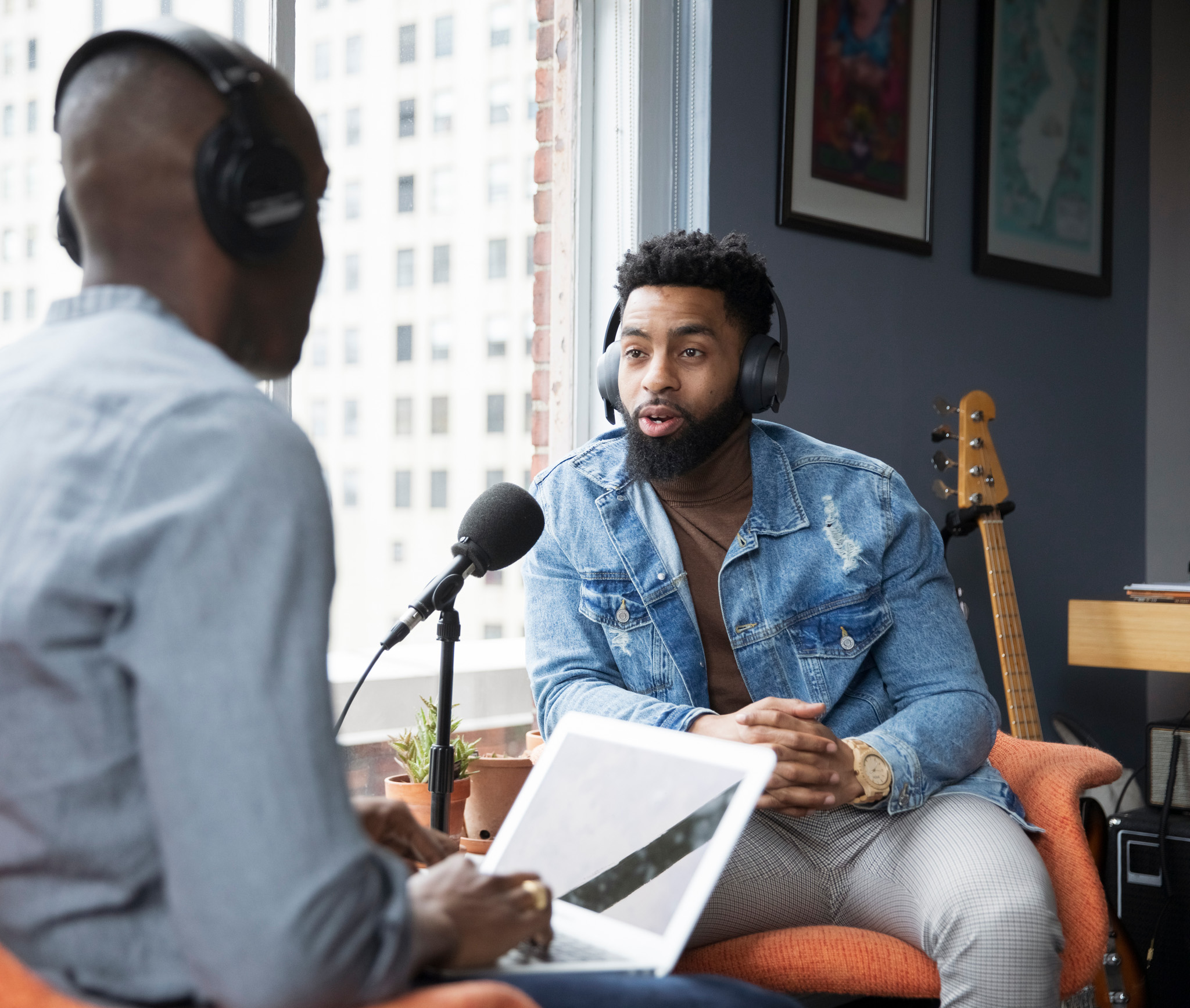
WHATS THE BEST WAY TO RECORD AUDIO FOR EDITING USING THE ELGATO XLR
The best way to record audio for editing using the Elgato Wave XLR involves a few key steps to ensure clean, professional-grade audio suitable for post-production. Here’s a streamlined setup guide: ✅ 1. Mic Setup ✅ 2. Wave Link Software Configuration ✅ 3. DAW or Recording Software Use a DAW or editor like: Set Elgato
-

how to Mark the safe zone on photoshop
To mark the safe zone in Photoshop — typically used for ensuring important content like titles and graphics stay within visible areas for video or screen displays — follow these steps: ✅ METHOD 1: Using Guides (Manual Method) This will give you a 10% margin around your canvas — a standard for title-safe and action-safe
-

How to Remove the Date from Mac Menu Bar
To turn off the time and date display on your Mac Mini (or any Mac running macOS), you’ll want to adjust your menu bar settings. Here’s how: 🔧 Disable Time and Date from Menu Bar: After this, the time and date will no longer show on your menu bar. Thank you for reading! Please stay
-
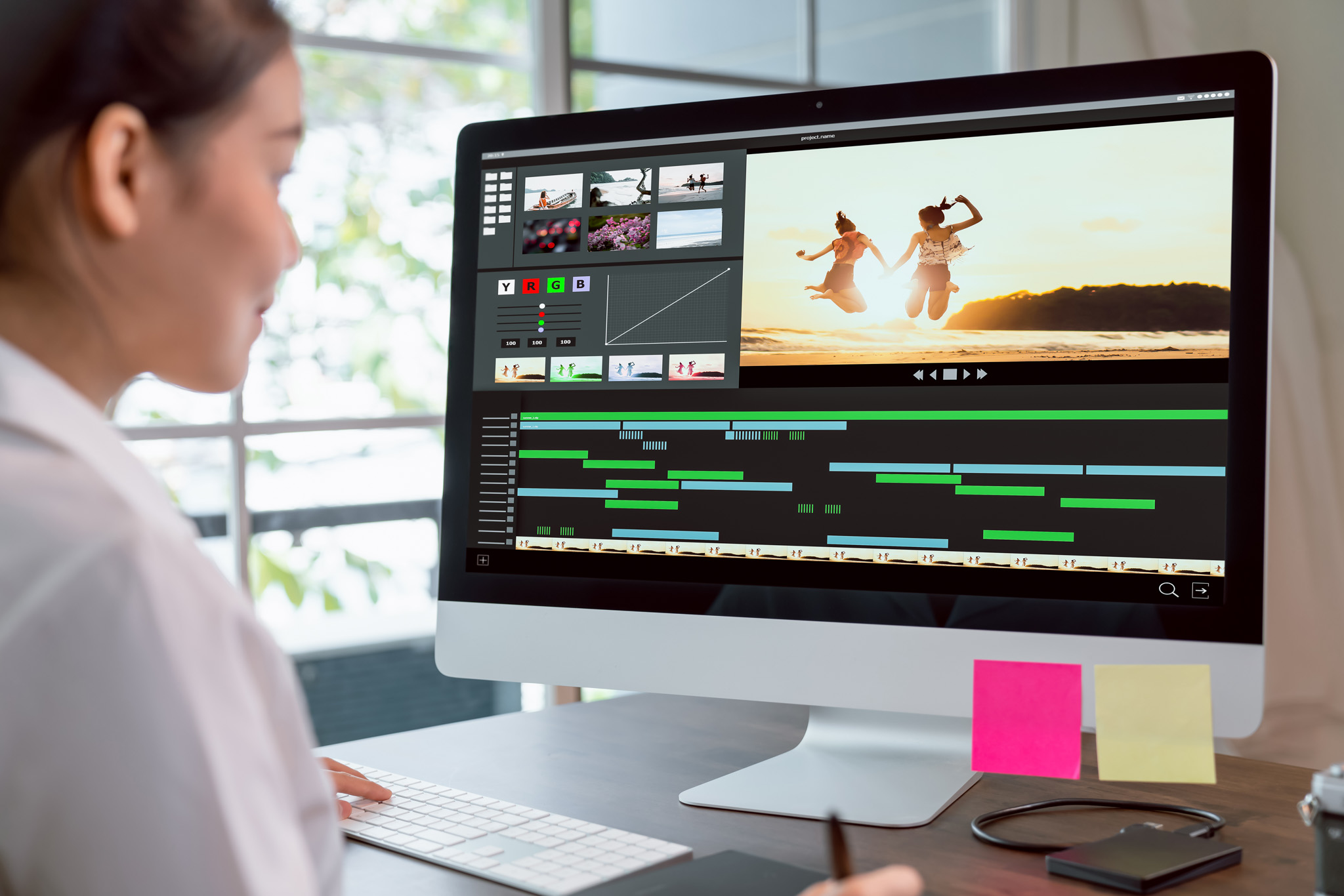
how to create light saber with final cut pro
To create a lightsaber effect in Final Cut Pro, you can follow these steps using built-in tools and third-party plugins. Below is a method using masking and glow effects, plus options for plugins if you want a faster workflow. 🔧 Manual Method (No Plugins) ✅ Step 1: Prepare Your Footage Import your video clip where
-

How to Move Apps on MacBook to an External Drive (and Free Up Space on a 250GB Hard Drive)
Running out of space on your 250GB MacBook? Moving apps to an external drive can help you clear up room for essential files and system functions. Here’s a step-by-step guide to safely relocate applications and keep them accessible. ⚠️ Important Notes Before You Begin: ✅ Steps to Move Apps to an External Drive 1. Format
About
Lorem ipsum dolor sit amet, consec tetur adipiscing elit. Maecenas odio lacus, dignissim sollicitudin finibus commodo, rhoncus et ante.