Category: Media
The Media Blog section on DJMakeArt.com is where creativity meets storytelling. Here, I share insights, tips, and behind-the-scenes content from my journey as a videographer, video editor, social media manager, and website designer. Whether it’s exploring the latest trends in digital marketing, breaking down video production techniques, or offering advice on building a strong online presence, this blog is a resource for creators and businesses alike. Dive into articles that inspire, educate, and empower you to elevate your visual storytelling and digital branding to new heights.
The Media Blog section on DJMakeArt.com is where creativity meets storytelling. Here, I share insights, tips, and behind-the-scenes content from my journey as a videographer, video editor, social media manager, and website designer. Whether it’s exploring the latest trends in digital marketing, breaking down video production techniques, or offering advice on building a strong online presence, this blog is a resource for creators and businesses alike. Dive into articles that inspire, educate, and empower you to elevate your visual storytelling and digital branding to new heights.
-

What can cause issues with yoast SEO not showing meta description ?
If Yoast SEO does not show the meta description, several factors could be causing the issue. Here are some common reasons: To troubleshoot, check your page or post in Yoast SEO’s meta box, ensure the description is filled in, clear caches, and check if any conflicts arise with other plugins or the theme. Thank you
-

how to copy and paste things across macs
To copy and paste things across Macs, you can use Universal Clipboard if both Macs are signed into the same iCloud account and meet the following requirements: Prerequisites: Steps to Copy and Paste Across Macs: The content will transfer seamlessly via the Universal Clipboard. Notes: If Universal Clipboard isn’t available or convenient, you can also
-

Steps To clear all cache memory in Elementor Hosting
Method 1: Clear Cache from Elementor Hosting Dashboard Method 2: Clear Cache from WordPress Dashboard Method 3: Clear Cache Using a Plugin If you’re using caching plugins like WP Rocket, LiteSpeed Cache, or W3 Total Cache, follow these steps: Method 4: Clear Cloudflare or CDN Cache (If Applicable) If you have Cloudflare or any other
-

Why Yoast seo setting doesnt appear
If the Yoast SEO settings are not appearing in your WordPress dashboard or on your post/pages editor, here are some possible reasons and fixes: 1. Yoast SEO Plugin Not Activated 2. Plugin Conflict 3. Outdated WordPress or Plugin 4. Missing User Permissions 5. Settings Hidden in Block Editor 6. Compatibility Issues 7. Corrupted Plugin Installation
-

how to fix The wp_yoast_indexable table when its corrupted.
Here’s how to fix a corrupted wp_yoast_indexable table: Method 1 – Using Yoast’s Built-in Tools: Method 2 – Manual Database Fix: Method 3 – Direct SQL Commands: DROP TABLE IF EXISTS `wp_yoast_indexable`; DROP TABLE IF EXISTS `wp_yoast_indexable_hierarchy`; DROP TABLE IF EXISTS `wp_yoast_migrations`; DROP TABLE IF EXISTS `wp_yoast_primary_term`; DROP TABLE IF EXISTS `wp_yoast_seo_links`; Then reactivate the
-

the quickest way to fix yoast seo issues
The quickest and most effective way to completely fix Yoast SEO issues is: This “nuclear” approach takes about 5-10 minutes but resolves the most common issues by ensuring a completely clean installation without corrupted data or settings. To keep your SEO data, try deactivating and reactivating the plugin first. Still, the complete removal method above
-

Insta 360 X4 as webcam
Yes, the Insta360 X4 can function as a webcam, enabling both standard and 360º live broadcasting. To utilize this feature, ensure your camera’s firmware is updated to version 1.2.21 or later, and that you have the latest version of the Insta360 App installed. onlinemanual.insta360.com Using the X4 as a Webcam with OBS: For a detailed
-
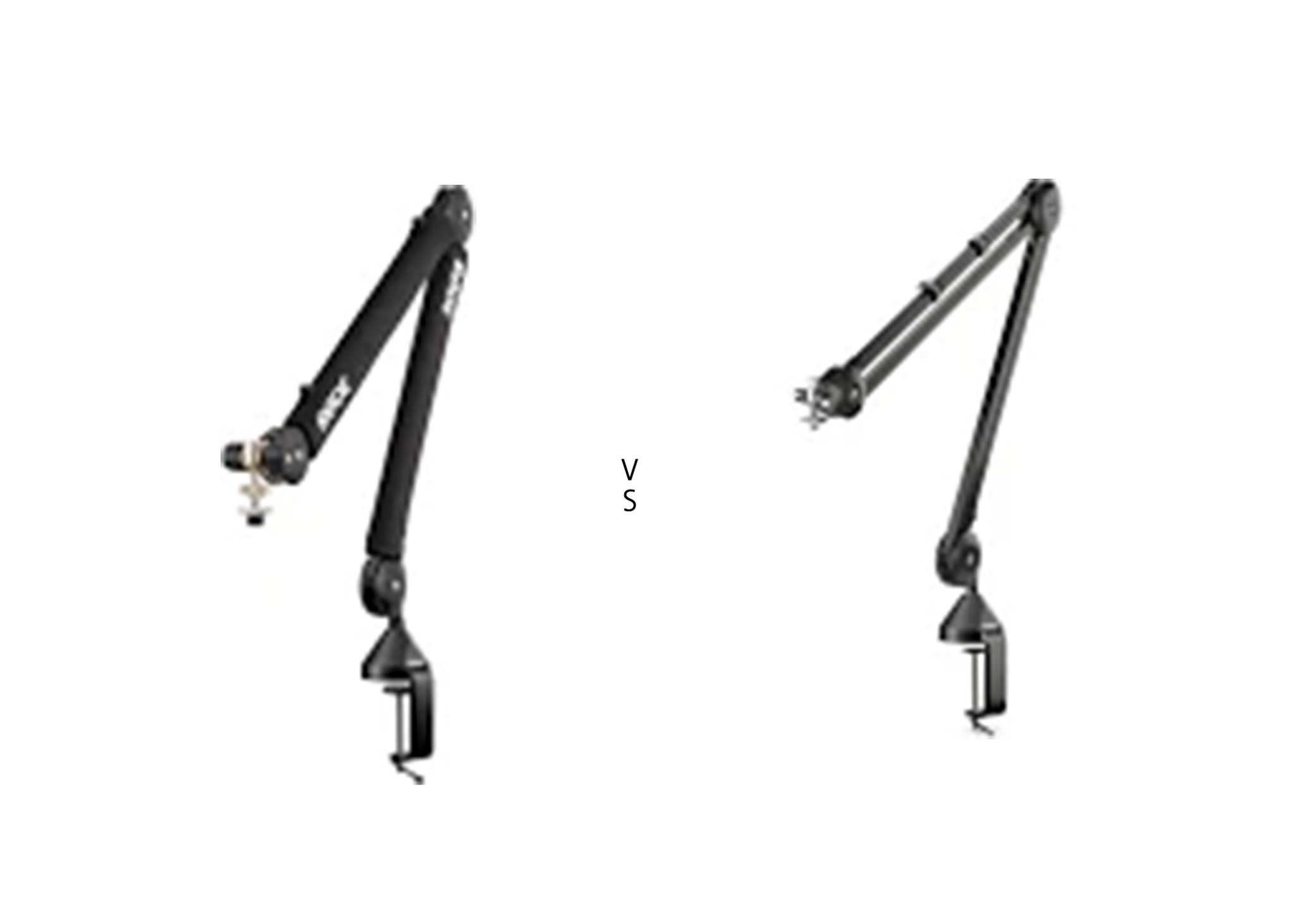
RODE PSA1 vs RODE PSA1+
The RODE PSA1 and RODE PSA1+ are both high-quality studio microphone boom arms, but the PSA1+ is an upgraded version with several improvements. Here’s a detailed comparison to help you choose the right one: 1. Build Quality & Design 2. Noise & Smoothness 3. Range & Flexibility 4. Cable Management 5. Weight Capacity 6. Pricing
-

the best QA tools in 2025
1. Automated Testing Tools 2. Performance & Load Testing Tools 3. Bug Tracking & Test Management 4. API Testing Tools 5. Security Testing Tools 6. Mobile App Testing Tools Thank you for reading! Please stay connected with me on all my social media platforms. @djmakeart www.instagram.com/djmakeart www.youtube.com/djmakeart www.tiktok.com/djmakeart www.facebook.com/djmakeart www.x.com/djmakeart For more updates, tips, and
-
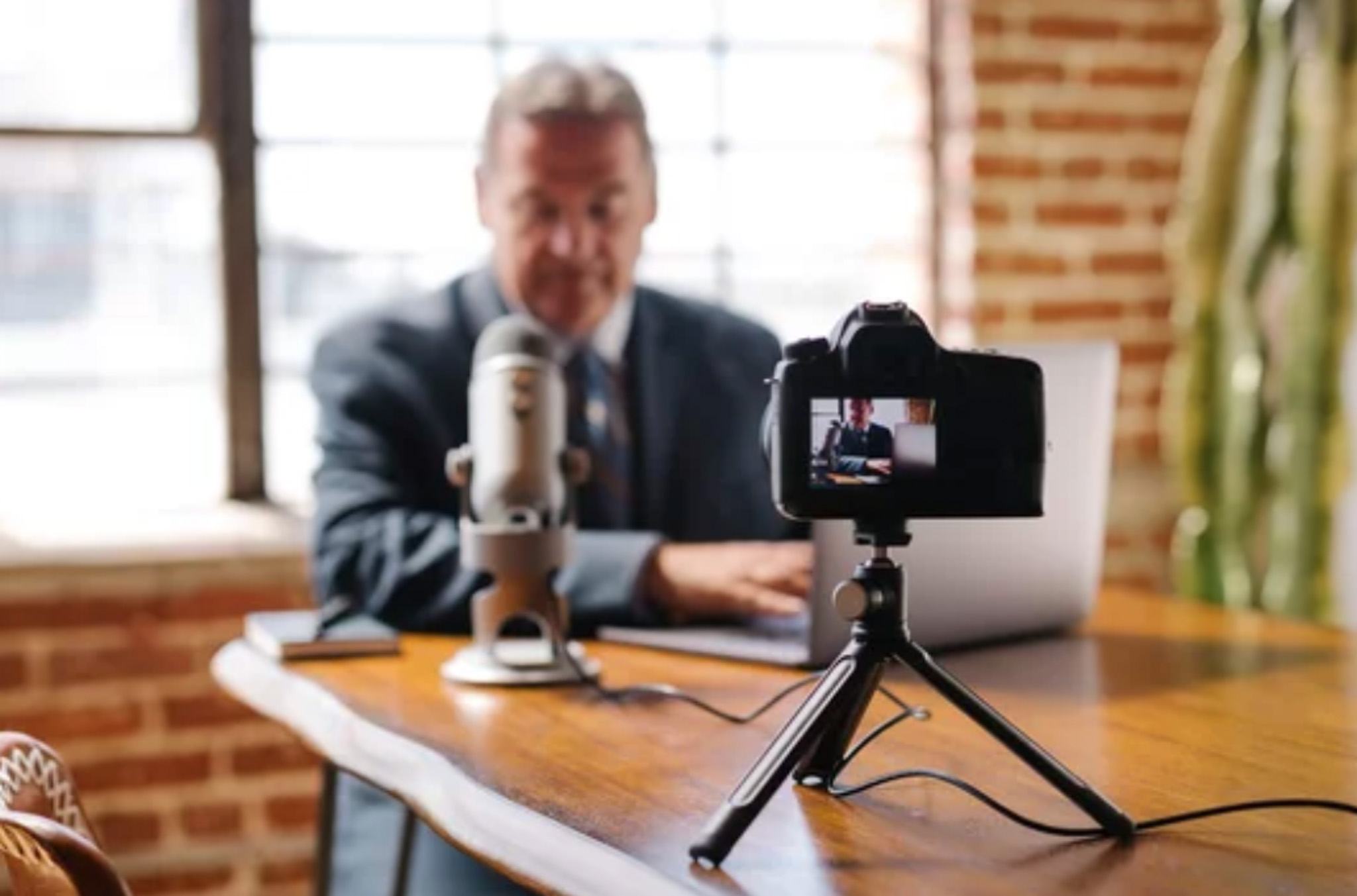
Using Pod Mic directly with cameras
Using an RØDE microphone directly with a camera is a common setup for videographers, but there are some key factors to ensure optimal audio quality. Here are some tips: 1. Check Compatibility 2. Power Supply 3. Proper Connection 4. Adjust Camera Audio Settings 5. Positioning 6. Monitor Audio 7. Test Before Recording Thank you for
About

Lorem ipsum dolor sit amet, consec tetur adipiscing elit. Maecenas odio lacus, dignissim sollicitudin finibus commodo, rhoncus et ante.