Category: Media
The Media Blog section on DJMakeArt.com is where creativity meets storytelling. Here, I share insights, tips, and behind-the-scenes content from my journey as a videographer, video editor, social media manager, and website designer. Whether it’s exploring the latest trends in digital marketing, breaking down video production techniques, or offering advice on building a strong online presence, this blog is a resource for creators and businesses alike. Dive into articles that inspire, educate, and empower you to elevate your visual storytelling and digital branding to new heights.
The Media Blog section on DJMakeArt.com is where creativity meets storytelling. Here, I share insights, tips, and behind-the-scenes content from my journey as a videographer, video editor, social media manager, and website designer. Whether it’s exploring the latest trends in digital marketing, breaking down video production techniques, or offering advice on building a strong online presence, this blog is a resource for creators and businesses alike. Dive into articles that inspire, educate, and empower you to elevate your visual storytelling and digital branding to new heights.
-

Best Ways to Do Ken Burns to Make It Look More Cinematic
The Ken Burns effect is a timeless storytelling technique that brings still photos and static shots to life by slowly panning and zooming. While it’s commonly used in documentaries, it can be taken to a more cinematic level with the right techniques. Here are the best ways to use the Ken Burns effect for maximum…
-

how to motion track faces using apple motion
To motion track faces in Apple Motion, you can use the built-in tracking tools. Here’s a step-by-step guide to help you motion track a face and attach graphics, text, or effects to follow the motion of a face in your video: ✅ Step-by-Step: Motion Tracking a Face in Apple Motion Step 1: Import Your Footage…
-

how to charge for prom photos
Charging for prom photos depends on your experience, location, what’s included in your package, and how you position your brand. Here’s a clear breakdown to help you price your services effectively: 📸 Standard Prom Photography Pricing Guide 1. Mini Sessions (Popular Option) 2. Full Session 3. Group Rates (Very Popular for Prom) 💼 Optional Add-ons…
-
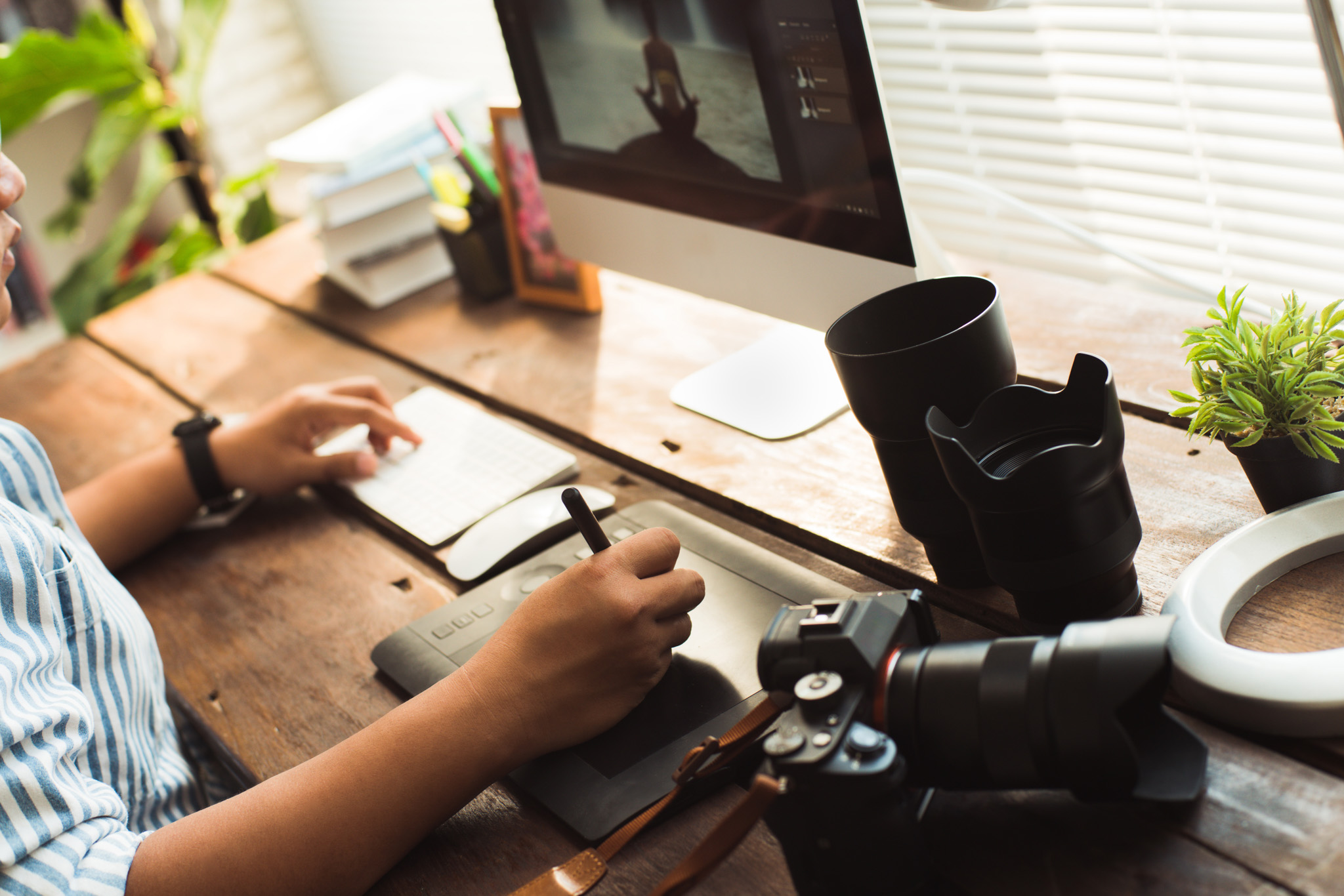
HOW TO TYPE UPPER CASE AND LOWER CASE IN PHOTOSHOP
In Adobe Photoshop, you can type in uppercase or lowercase using keyboard settings or the Character panel. Here’s how: ✅ 1. Type Uppercase or Lowercase Using Keyboard ✅ 2. Force All Caps or Small Caps Using the Character Panel If you want your text to always appear in uppercase (even if typed lowercase): Steps: 🔁…
-

How to fill in color on objects in photoshop
There are several methods to fill in color on objects in Photoshop, depending on what you’re trying to achieve (e.g., solid fill, coloring inside the lines, preserving texture). Here’s a straightforward step-by-step guide for a few common techniques: 1. Using the Paint Bucket Tool (for solid fills) Best for: Flat areas or enclosed shapes. Steps:…
-

HOW TO MAKE MONEY AS A WEBSITE MANAGER
Making money as a website manager involves offering valuable services that help clients maintain, optimize, and grow their online presence. Here are the top ways to monetize your skills: 🔧 1. Monthly Maintenance Plans (Retainers) Charge clients a recurring monthly fee for: Example: $100–$500/month per site 🌐 2. Website Hosting + Management Bundle hosting with…
-

HOW TO INCREASE ENGAGEMENT ON YOUR WEBSITE
Increasing engagement on your website involves making the experience more interactive, relevant, and valuable for your visitors. Here’s a breakdown of proven strategies: 🔍 1. Improve Website Speed and Mobile Responsiveness 🎯 2. Clear, Compelling Call-to-Actions (CTAs) 🧠 3. Content That Solves Real Problems 👥 4. Interactive Elements 💬 5. Live Chat or Chatbots ⭐…
-

How to do Locked-On Stabilization with Apple motion
Locked-On Stabilization in Apple Motion is a technique that lets you keep a specific object or subject “locked” in place while the rest of the scene moves around it — mimicking the effect used in hyper-stabilized videos or action sports where the subject remains steady. Here’s how to do Locked-On Stabilization in Apple Motion: 🎯…
-
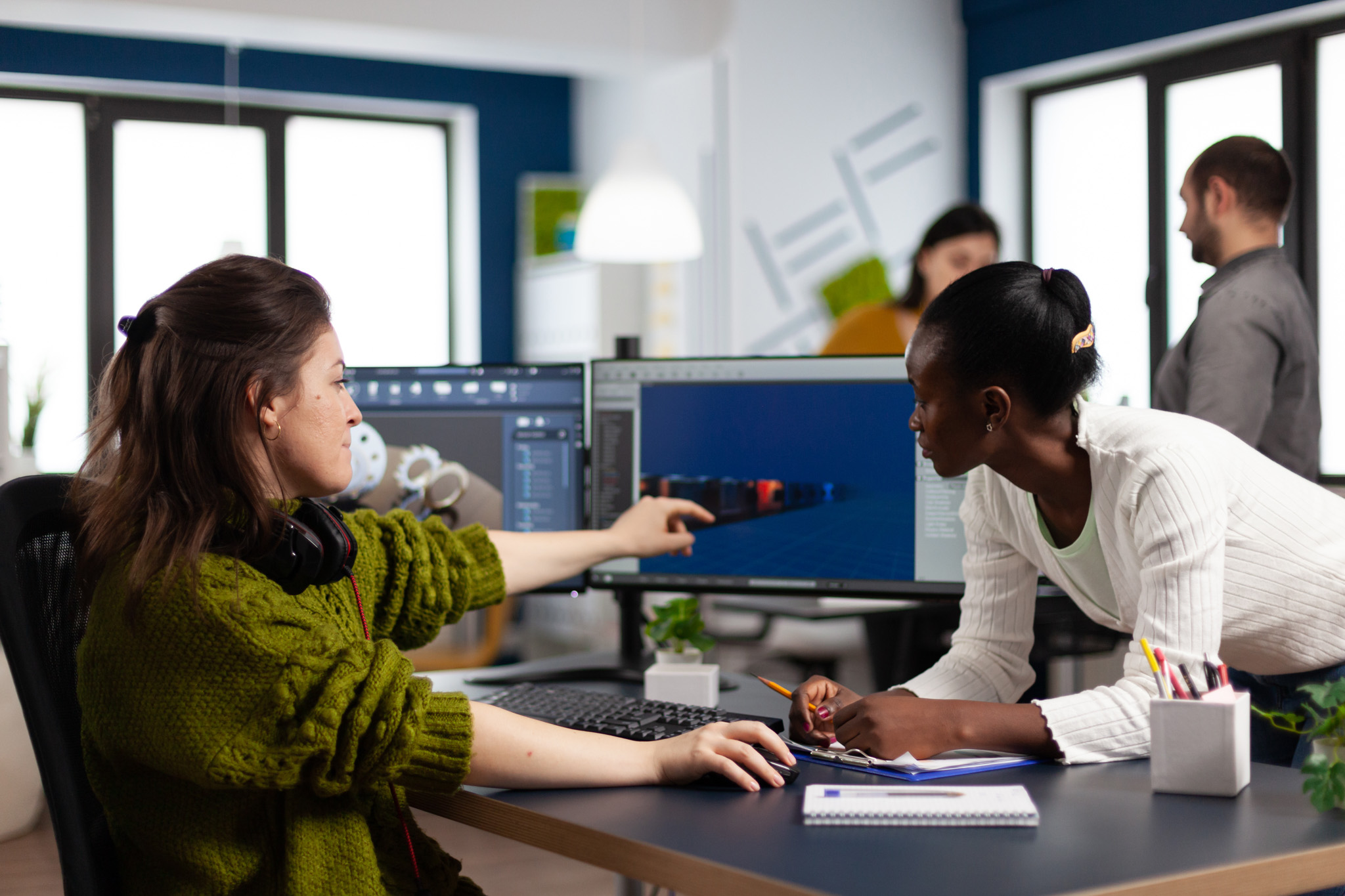
Best Shortcuts to Use on Final Cut Pro to Edit Faster
Final Cut Pro is one of the most powerful video editing tools available, but mastering keyboard shortcuts can take your editing speed and efficiency to the next level. Whether you’re editing a short vlog, a music video, or a cinematic film, these essential Final Cut Pro shortcuts will help you move faster and stay in…
-

How to Reconnect Motion Templates to a New Hard Drive Location
When you move your Motion Templates folder to a different external hard drive or change your hard drive’s name/location, Final Cut Pro and Apple Motion may lose track of the templates you’ve created or downloaded. Here’s how to reconnect them: Step 1: Locate Your Motion Templates Folder Your Motion Templates are typically stored in: /Users/[YourName]/Movies/Motion…
About

Lorem ipsum dolor sit amet, consec tetur adipiscing elit. Maecenas odio lacus, dignissim sollicitudin finibus commodo, rhoncus et ante.